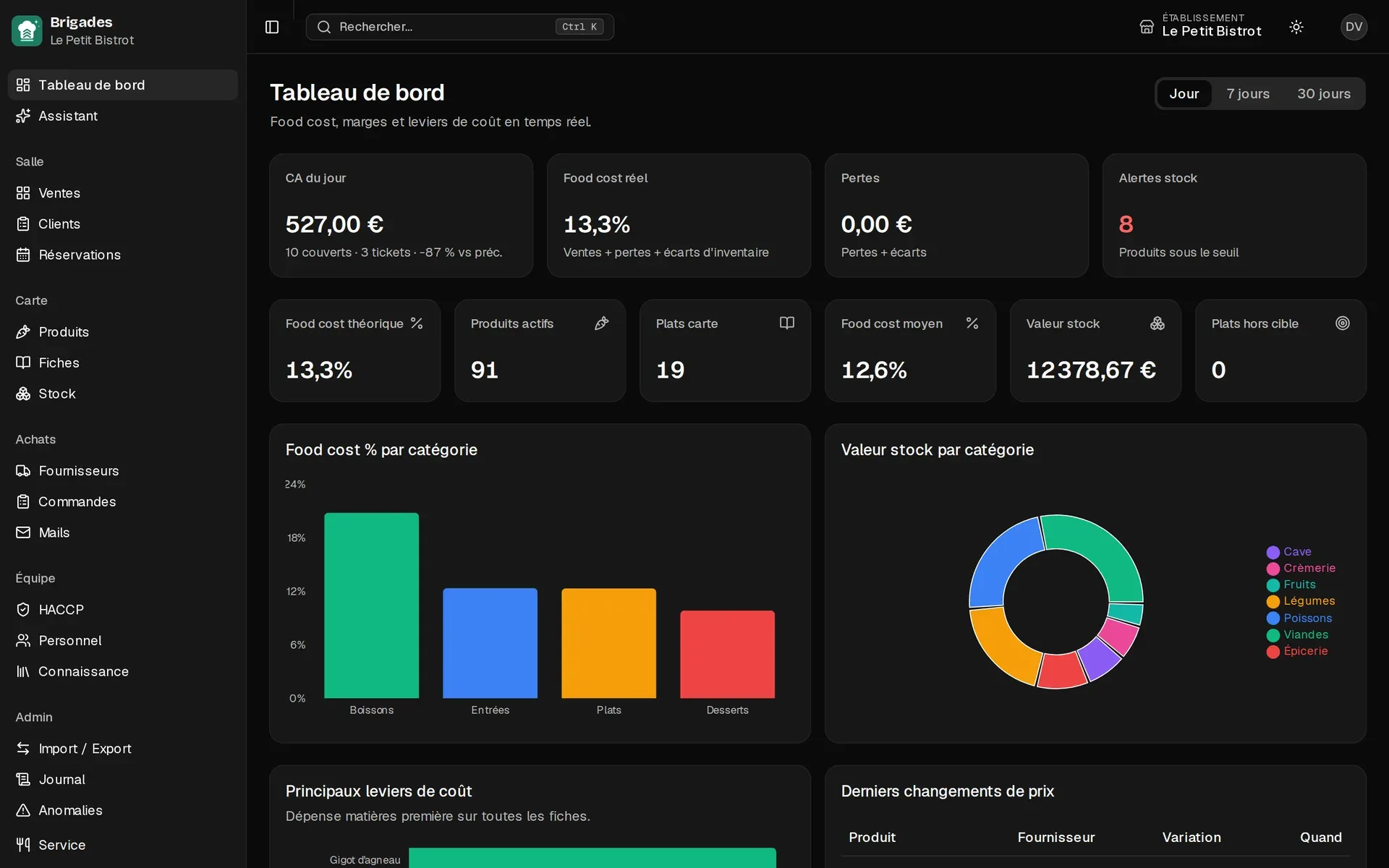

Invisible margins
Recipes stay on paper. The real cost gets lost between the walk-in and the ticket.
Front of house, kitchen, bar.
POS, kitchen, recipes, stock, purchasing and HACCP in the same software, with an assistant that reads your data. You finally see the real cost of every plate — and what is left as margin.
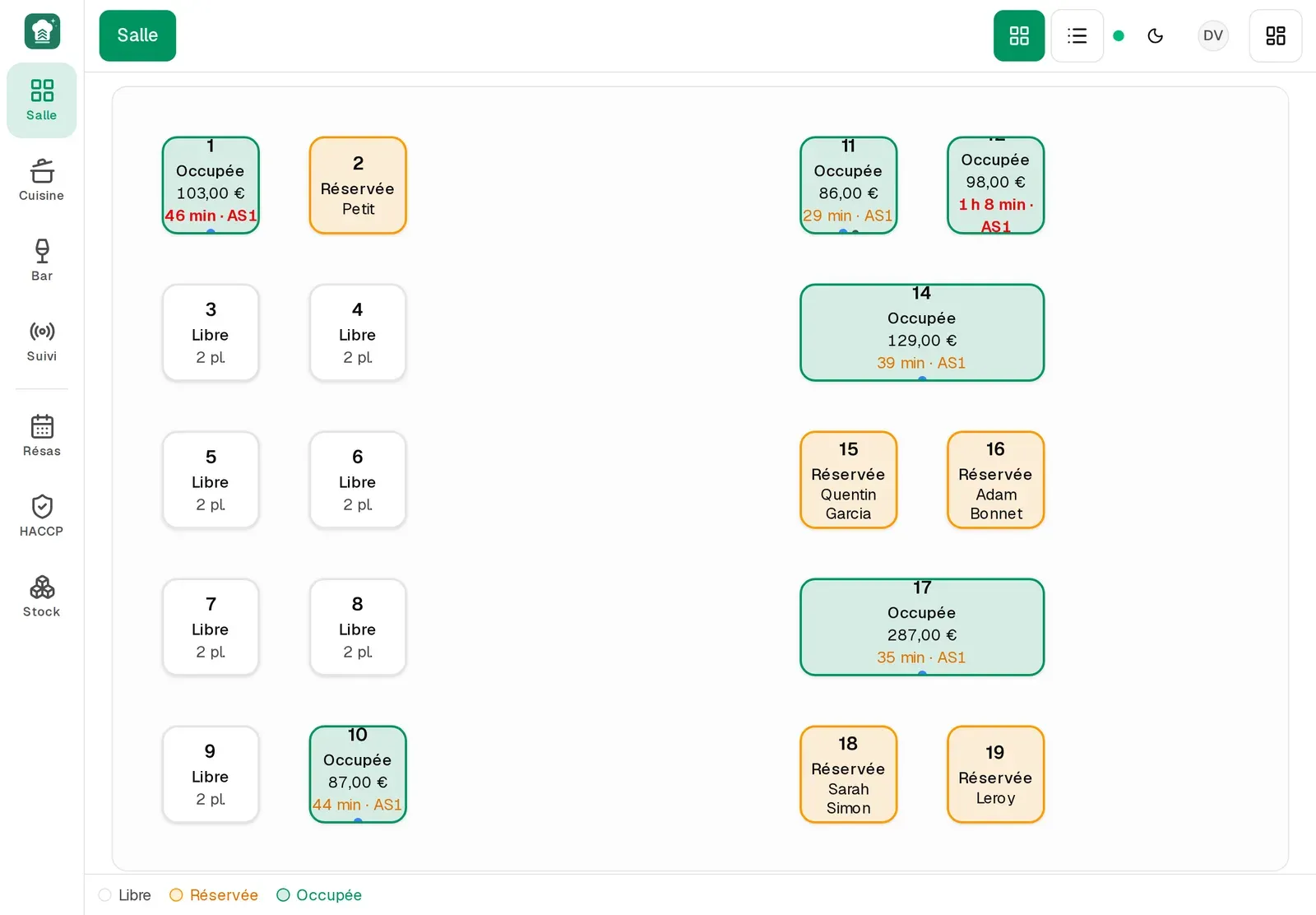
The floor
Recipes stay on paper. The real cost gets lost between the walk-in and the ticket.
POS on one side, Excel on the other, reservations elsewhere. Nothing talks.
Logs, lots and non-conformities pile up. The inspector always arrives too soon.
Tour
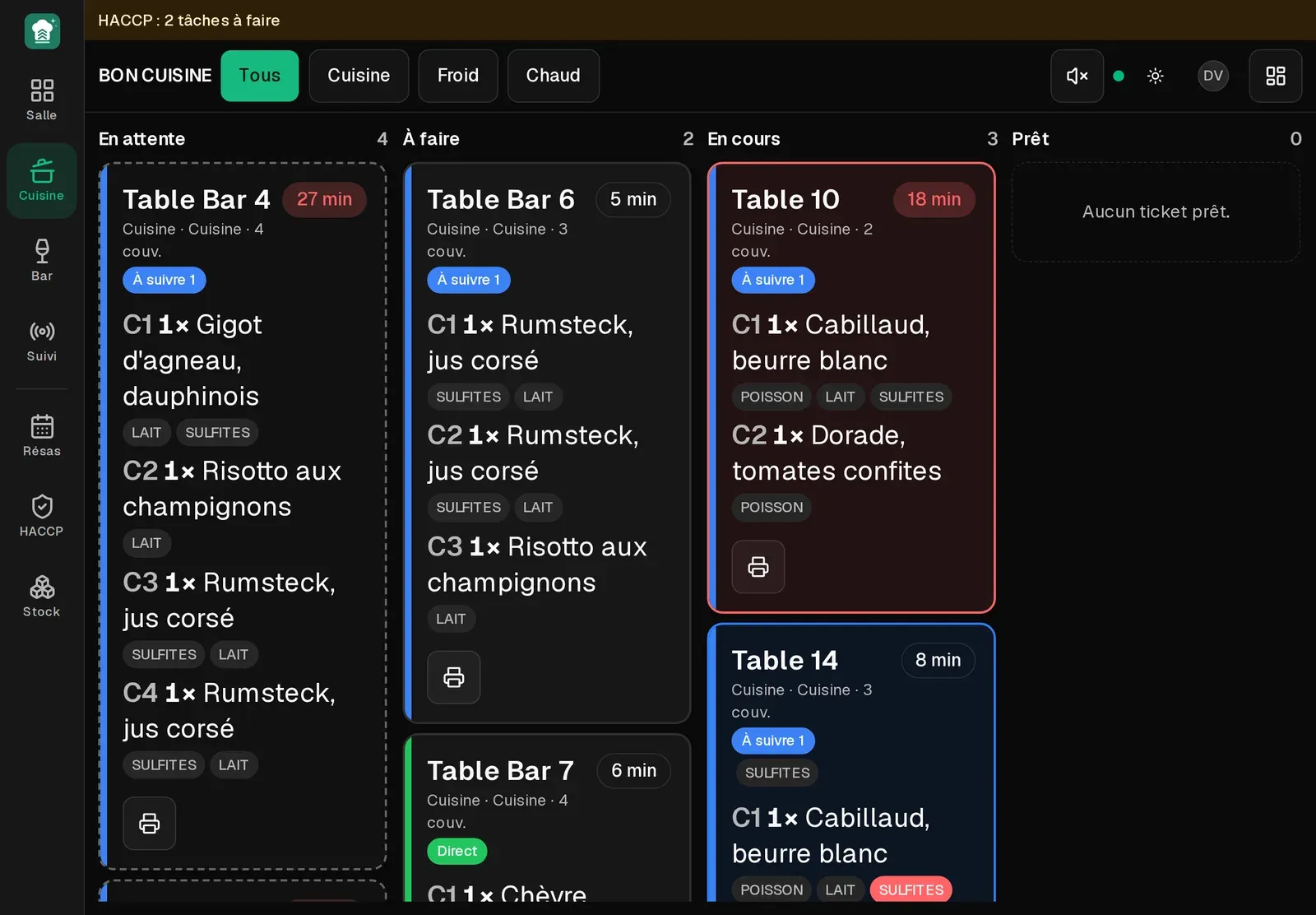
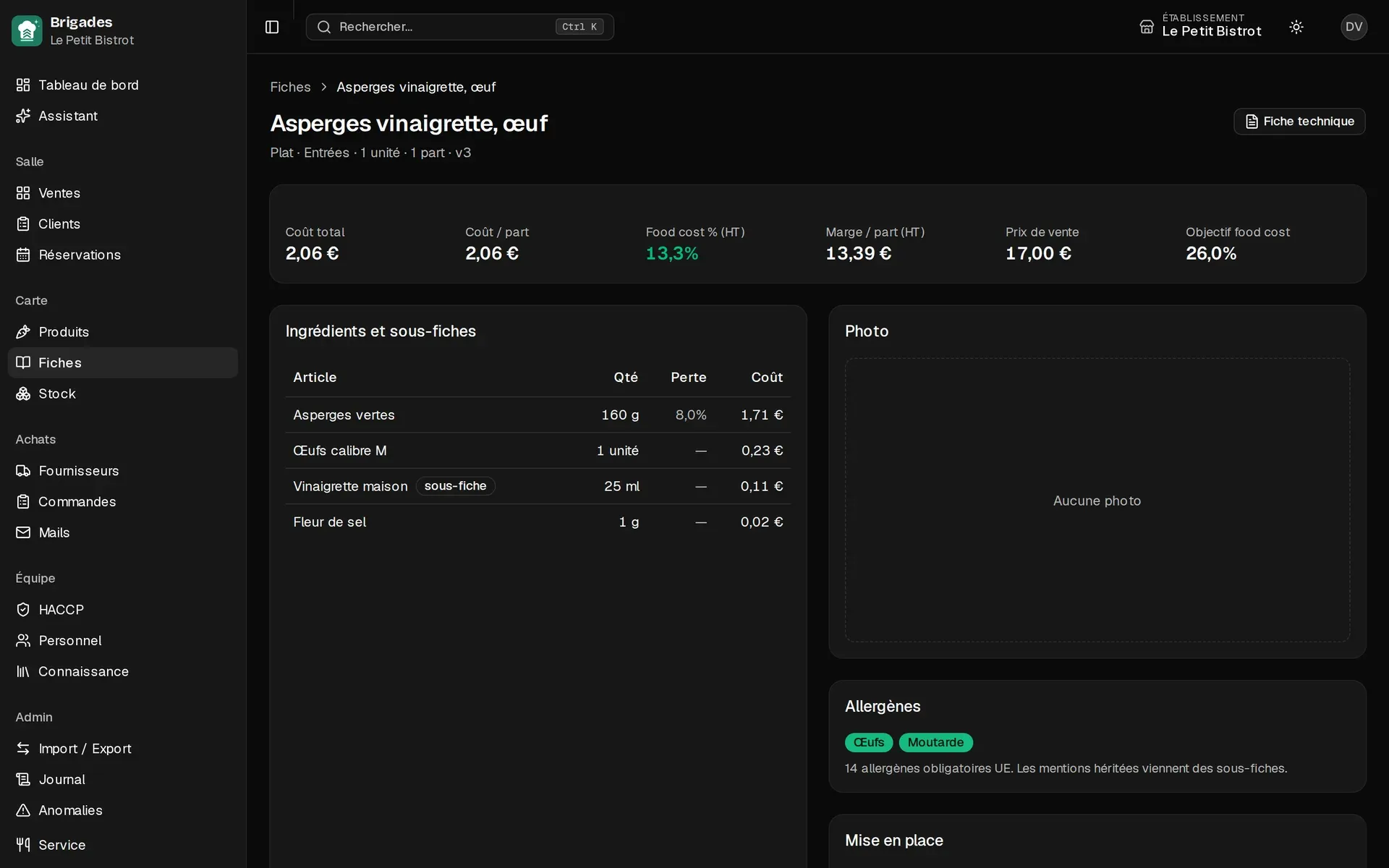
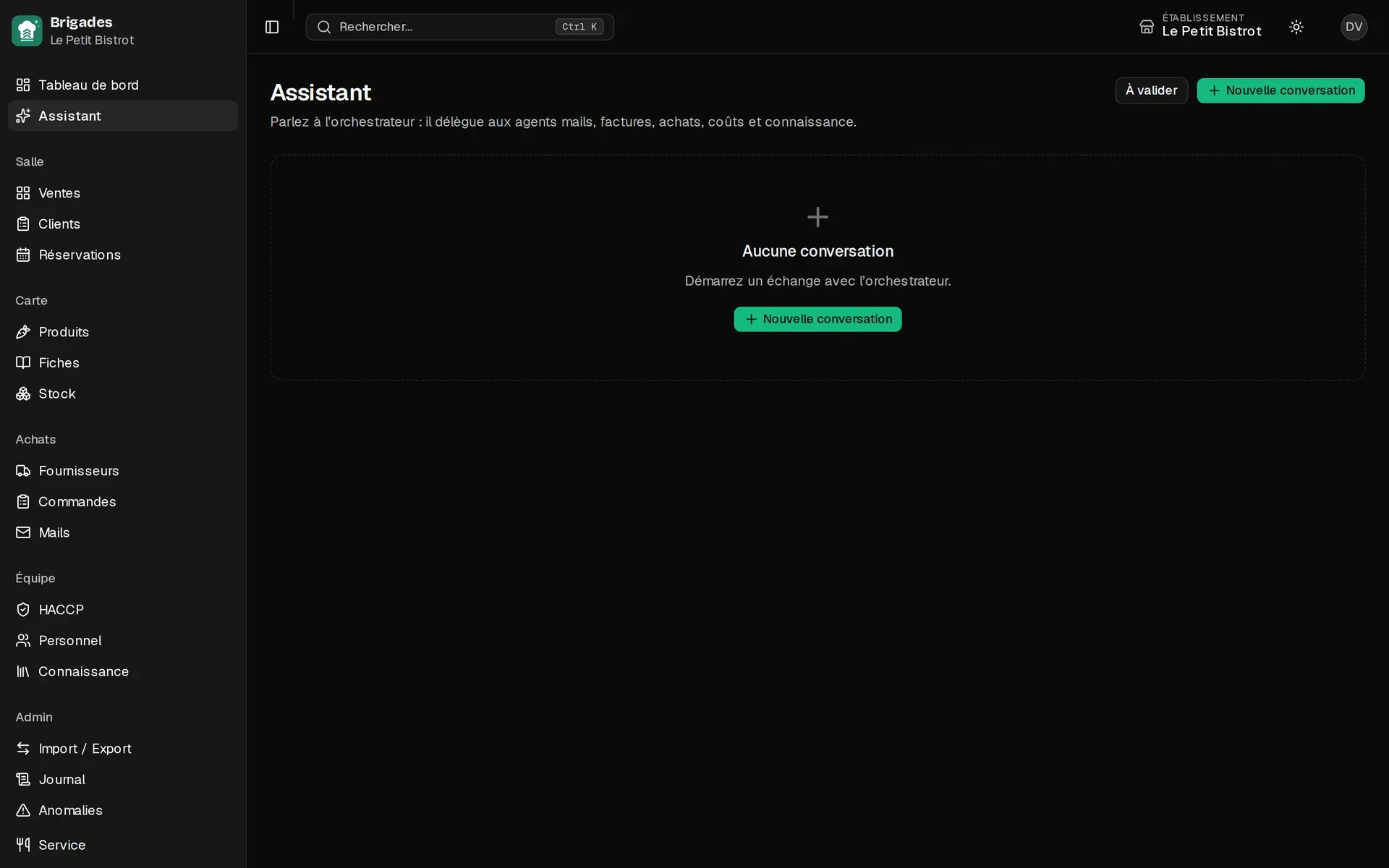
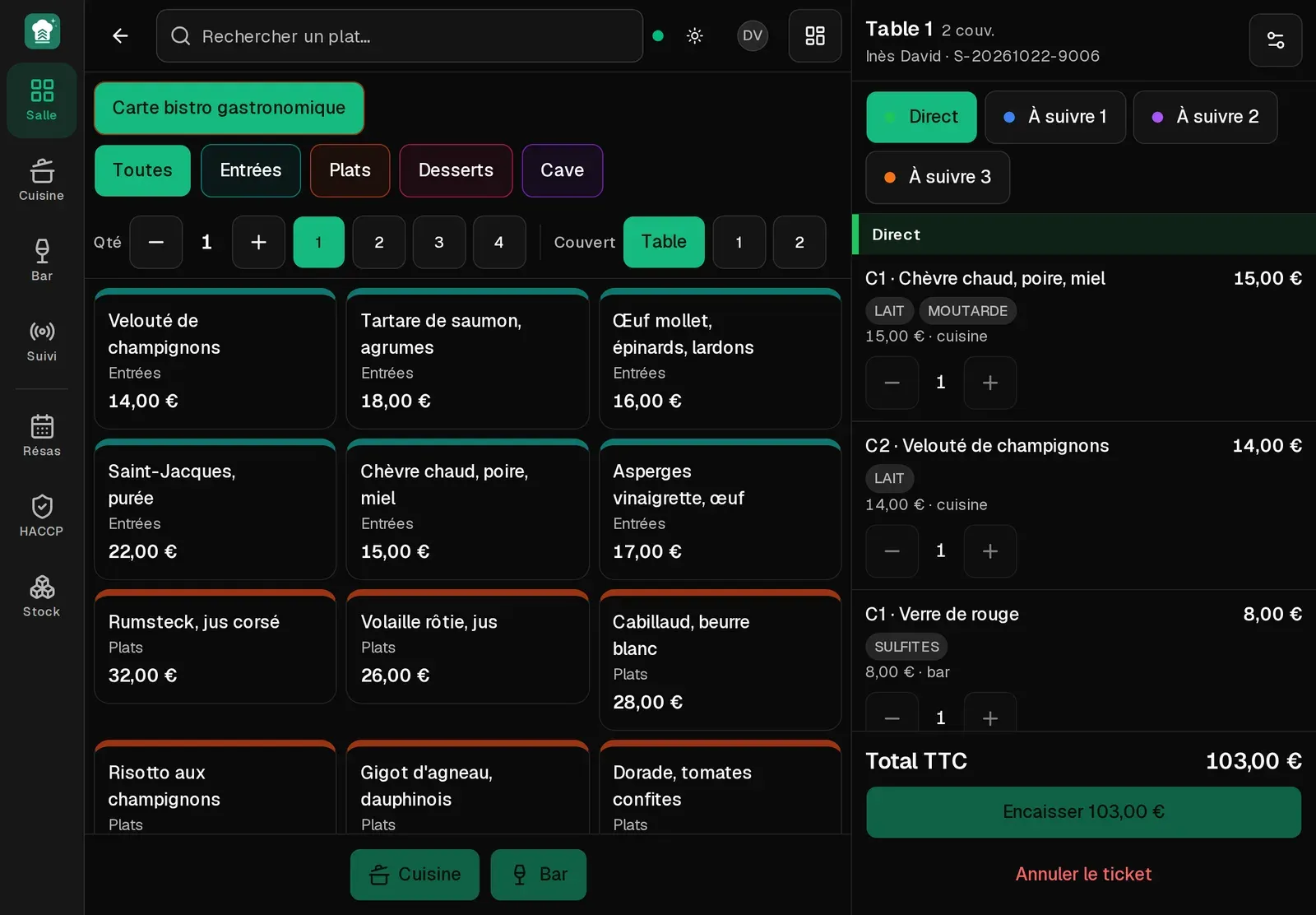
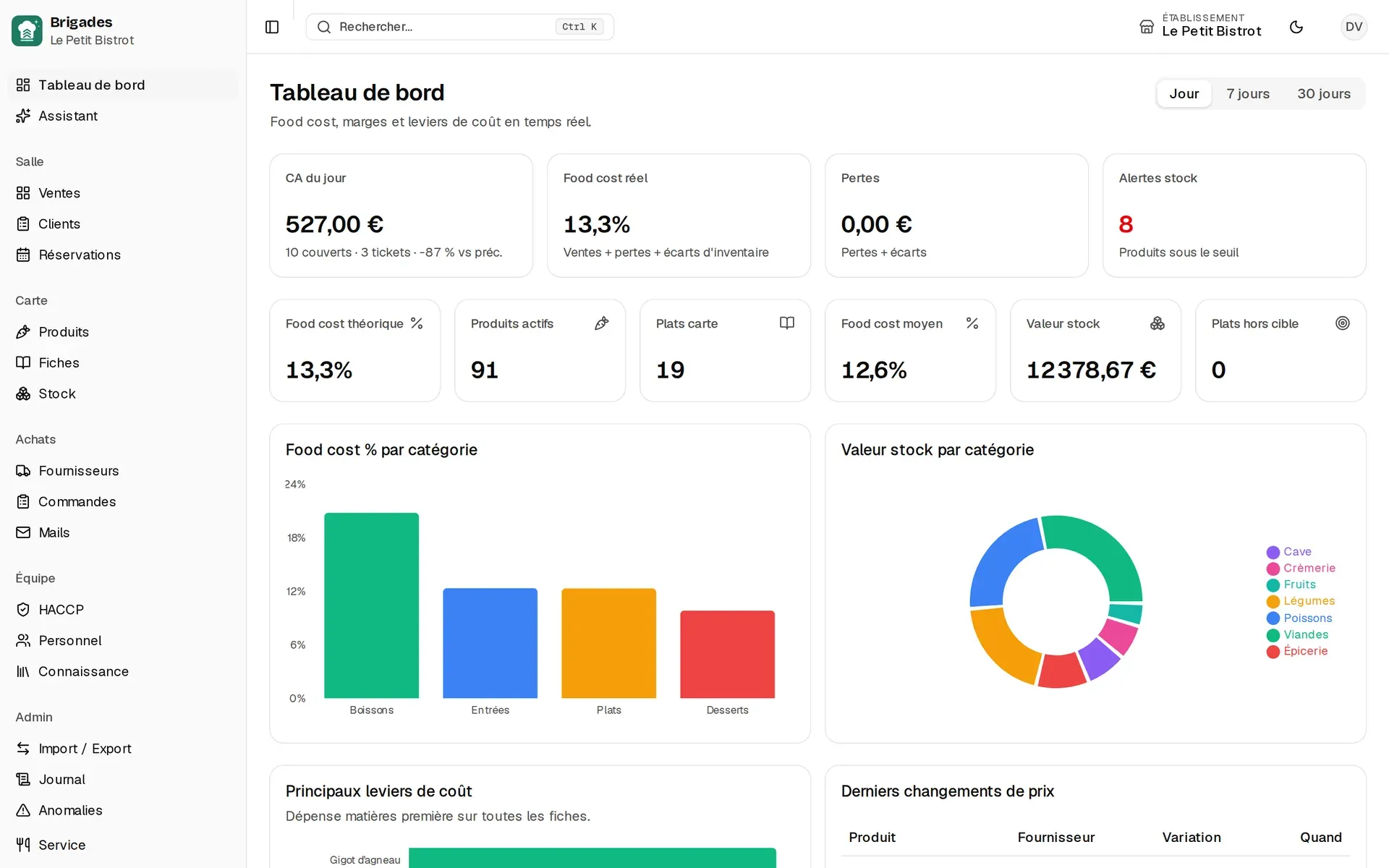
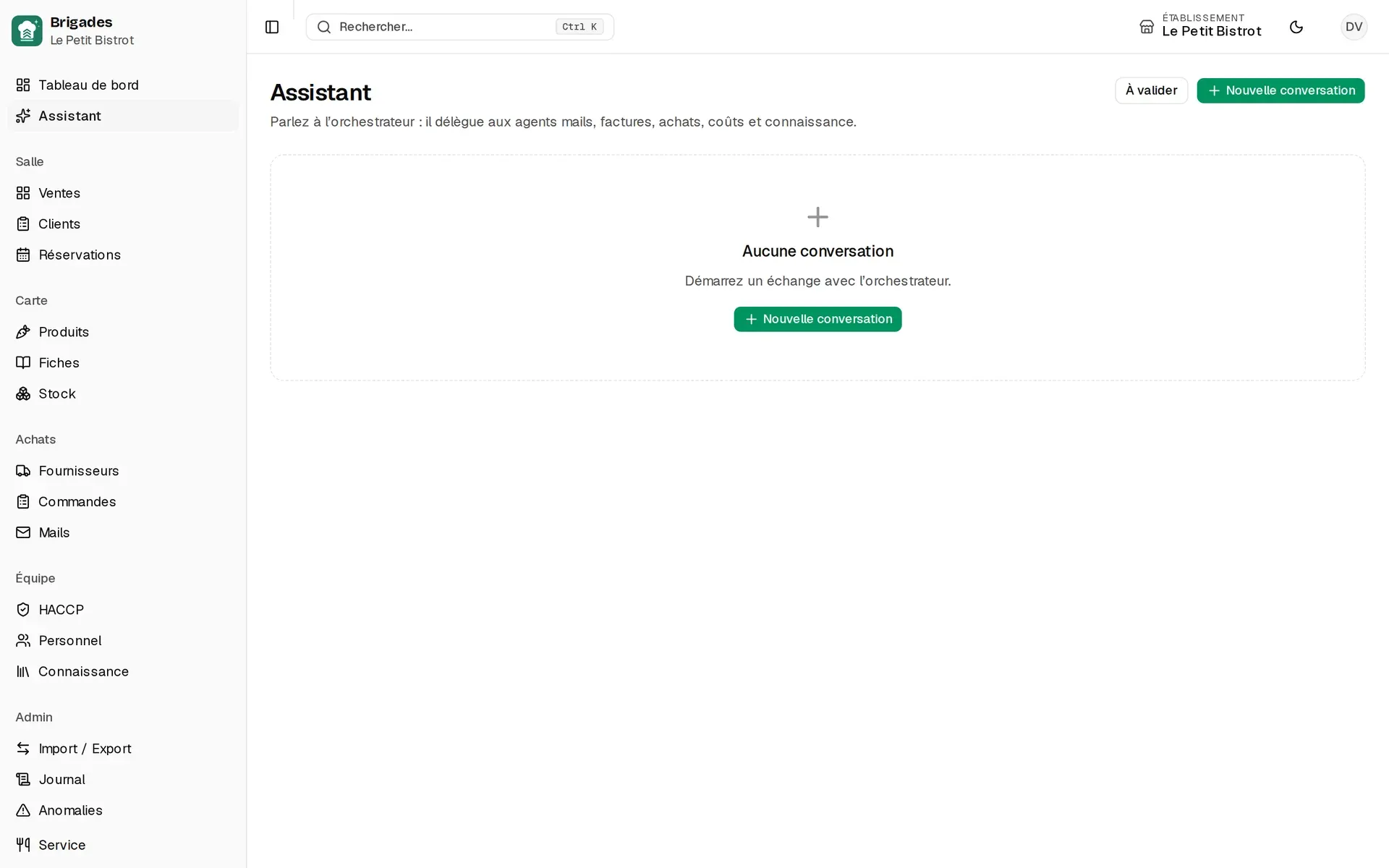
No mockups: every image is a screenshot of the public demo, taken automatically inside the app.
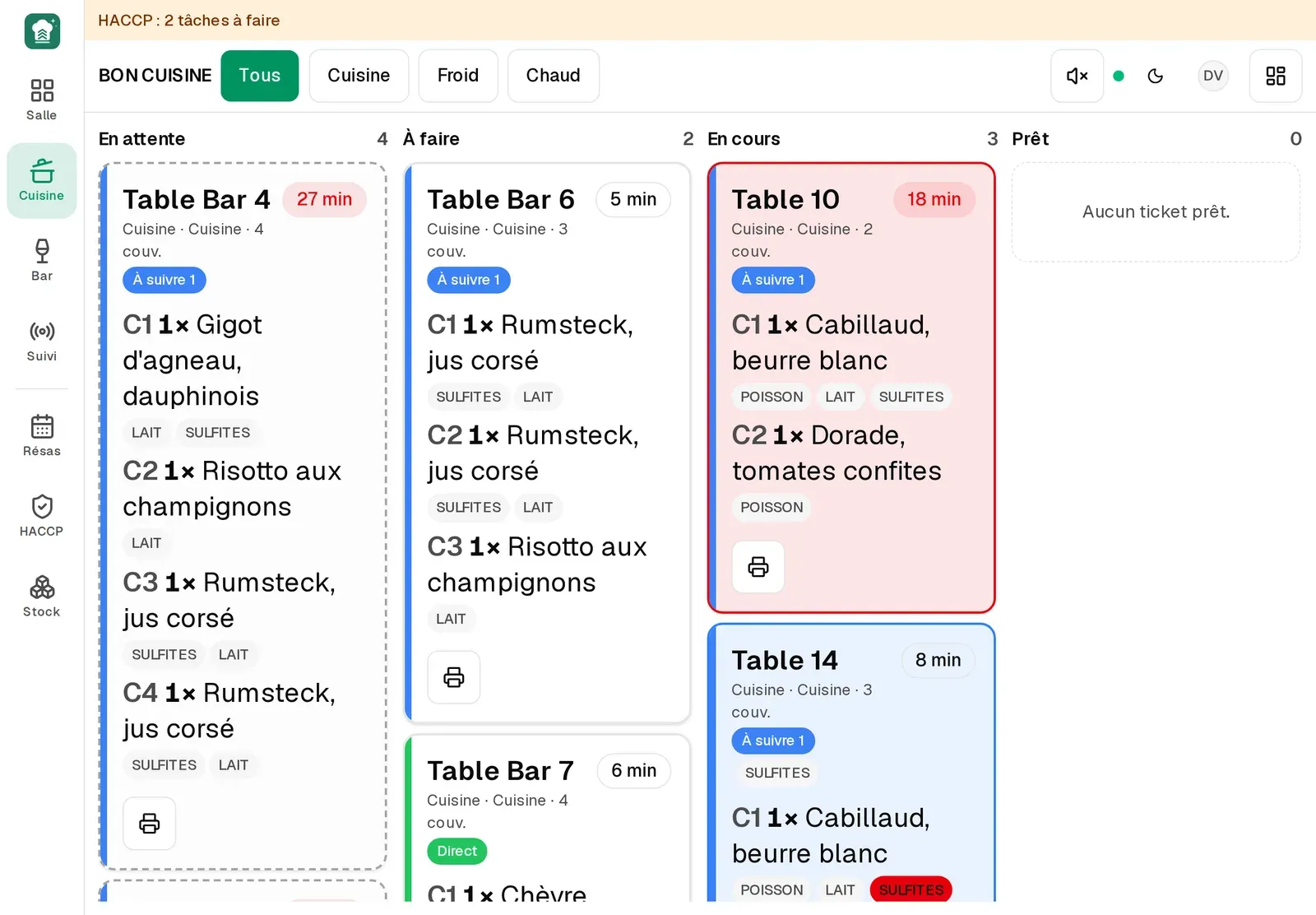
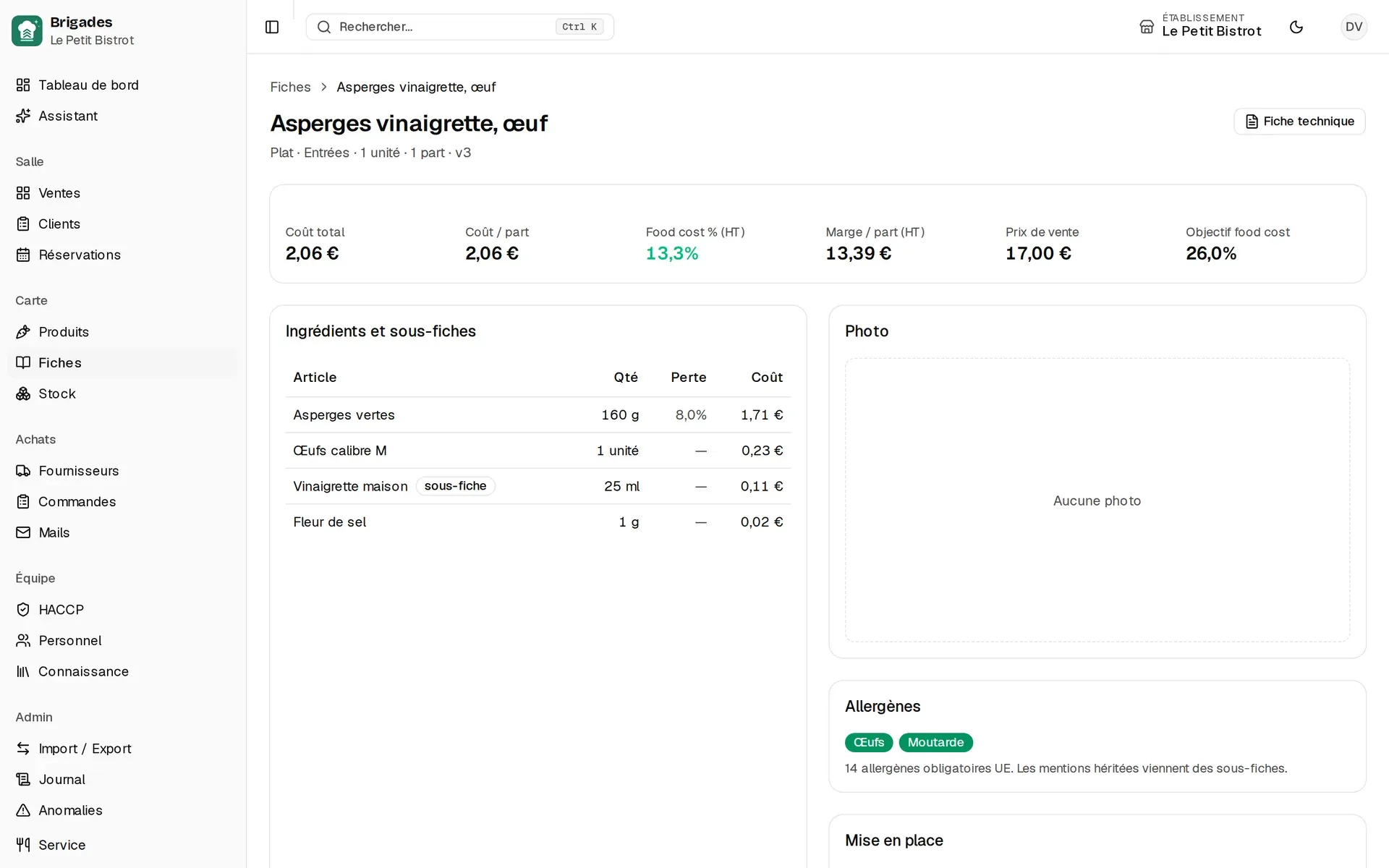
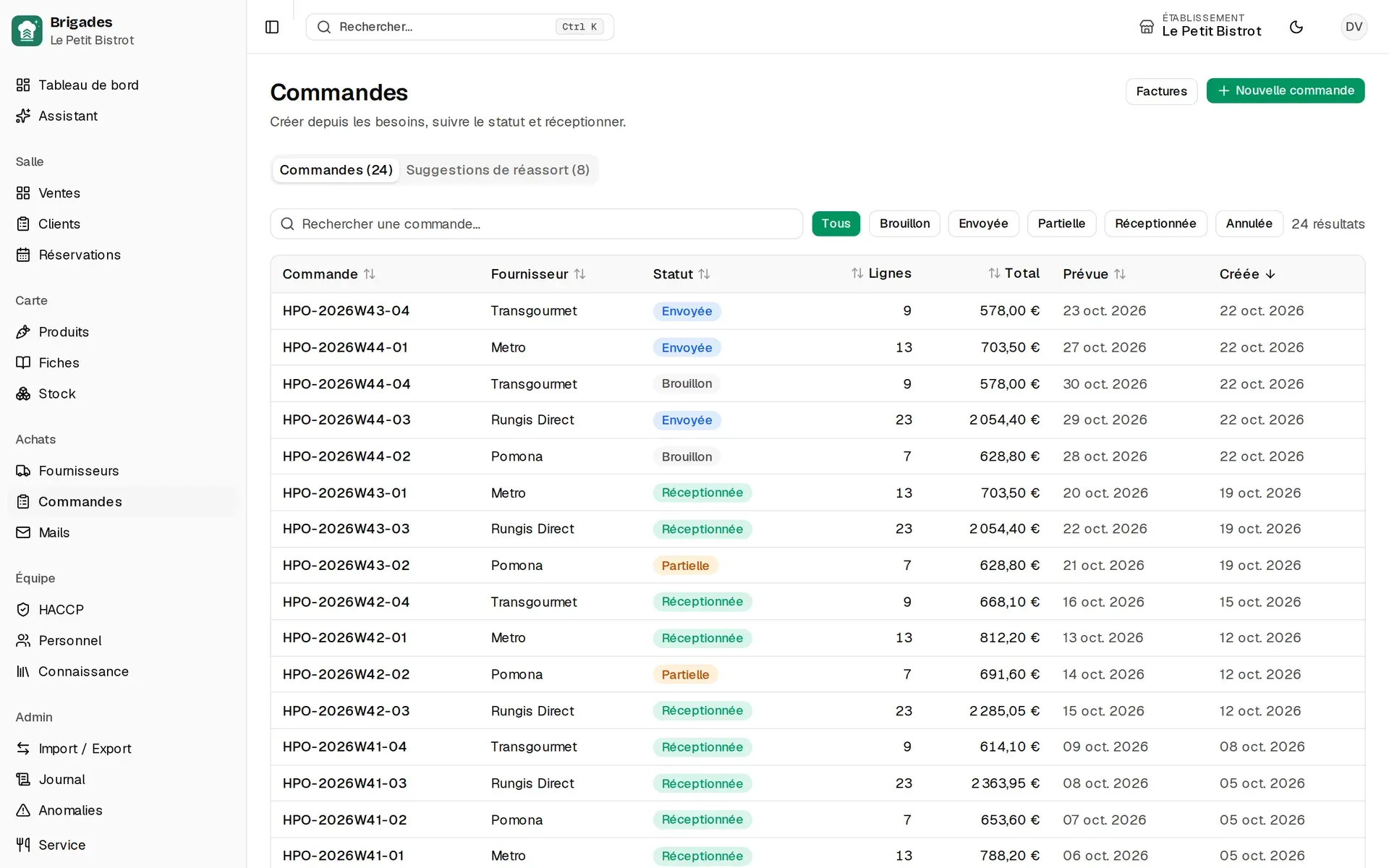
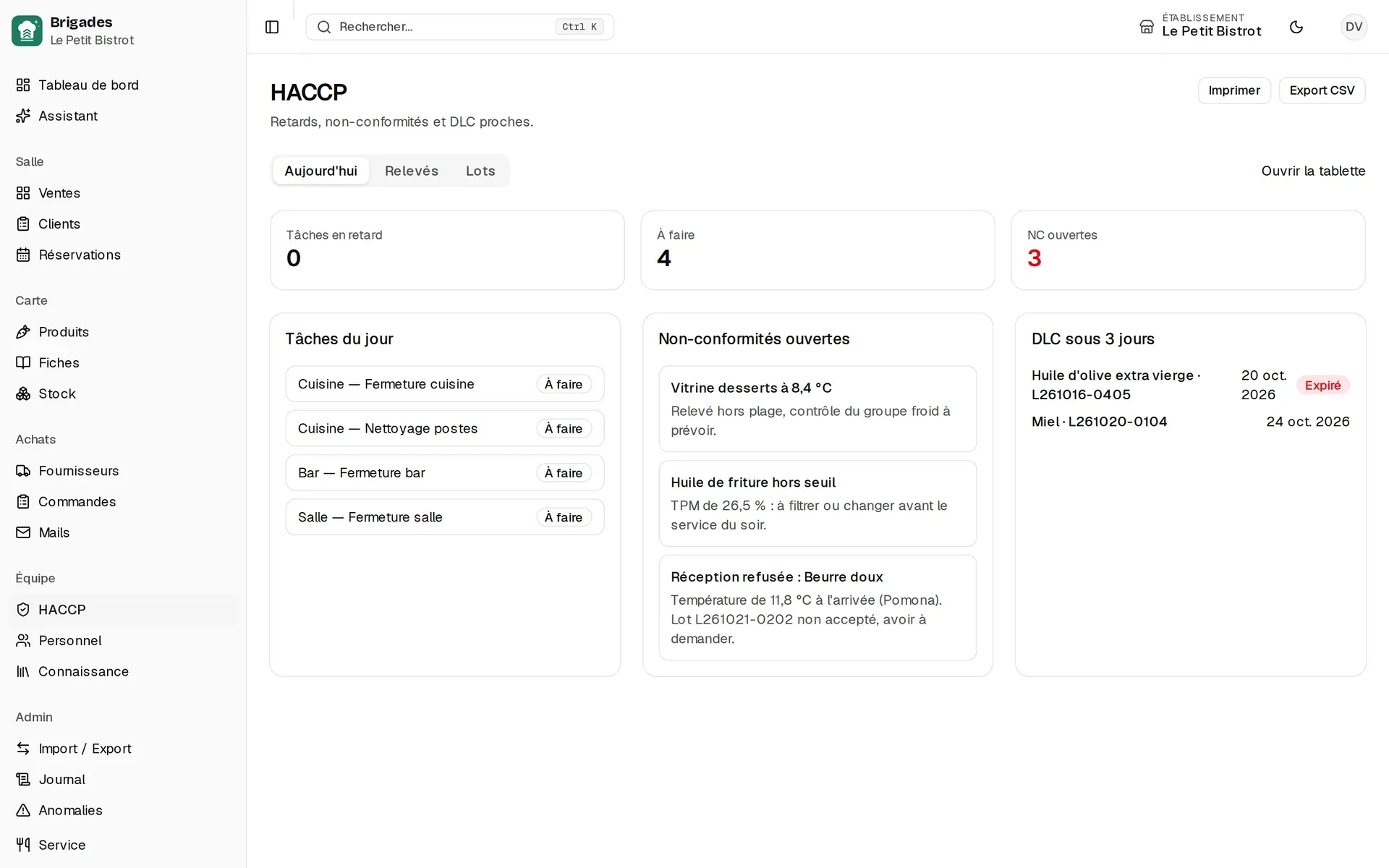
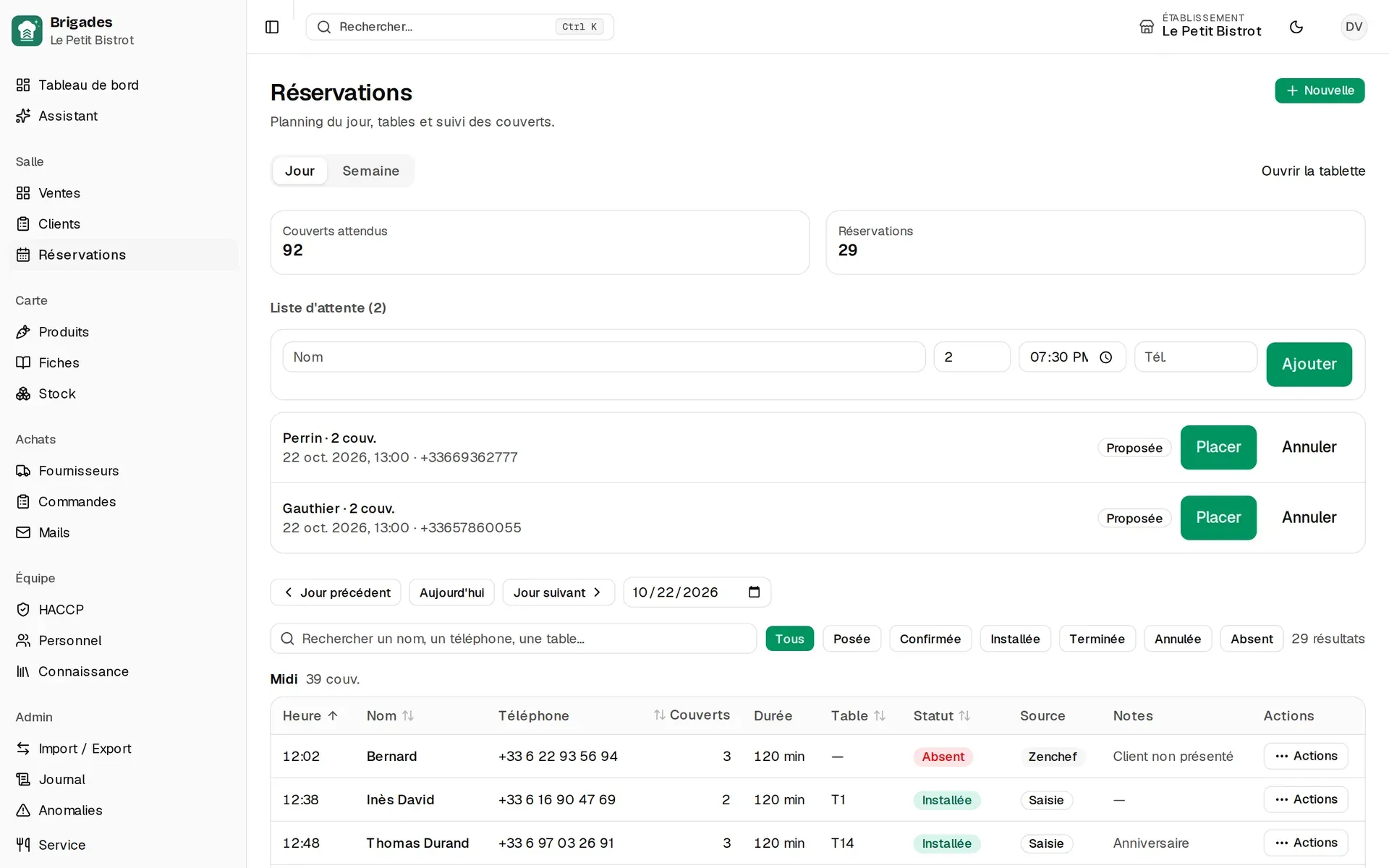
Two stations, the same data
The office runs the menu, purchasing and closes. The tablet holds the service. One ticket, one stock, one food cost — not three files.

Features
One tool, the same data. No more retyping an order, a count or a delivery note.
How it works
The table orders. Set menus, extras, and fire-now or hold courses.
The ticket lands on the kitchen or bar screen. Beep, colours, chase.
The check prints, you take payment on your certified till, the ticket closes.
Each plate explodes the recipe. Stock drops on its own, lot by lot.
You read the food cost of the service, not a six-month-old estimate.
Operations
Brigades rents and runs a server dedicated to your house. You buy nothing, you administer nothing, and your data shares nothing with another restaurant.
One OVH server per restaurant, its own database, HTTPS on your address {slug}.brigades.io.
Daily encrypted copy to separate storage, restore tested and timed.
Deployments run between 3 am and 10 am, never during a service, with rollback ready.
Sales outside any Z, stock differing from its movements, forbidden payment: each check opens an anomaly, and closes it once fixed.
In external-till mode no payment is recorded, and the server is what refuses. The demo runs in training mode, marked non-fiscal.
Errors reported with the deployed version, instance status readable by monitoring, mailbox read without superfluous rights.
Who it is for
Short menu, tight service, a chef who finally wants the cost of today’s special.
Floor plan, set menus, bar and kitchen that must see the same ticket.
Precise recipe cards, allergens, lots — without one tool per station.
Wine by the glass, tablet inventory, price list and close the same night.
Foundation
Floor, kitchen and bar see the same ticket, with no page refresh. Two tablets opening a ticket at the same instant get two numbers.
Installable on a tablet or a phone. An offline page and a network indicator on the floor.
Ten roles, sections, and each person only sees what they need. Audit log by scope.
Guest anonymisation and export, marketing consent, duplicate merge.
Products, recipes and price lists: we start from your existing files. CSV export of sales.
Le Petit Bistrot runs live on the demo: tables open at lunch and dinner, tickets in the kitchen, reservations seated.
Transparency
FAQ
A modern computer, tablet or phone is enough. Brigades installs as an app (PWA): no store required. Kitchen, inventory and HACCP are built for touch.
Yes. Excel import lets you start from the files you already have: products, recipes, suppliers. You do not have to retype everything.
Yes. Reservations sync both ways (create, statuses, table mapping). TheFork and a public booking widget are not on the roadmap yet.
On a server dedicated to your restaurant, rented and run by Brigades at OVH, in Europe. Its own database, encrypted backups copied off the server every night, restore tested. No other restaurant shares your server.
Not yet. Brigades works alongside your certified till: it takes the order, sends it to the kitchen, prints a non-fiscal check and closes the ticket; you take payment on your till. NF525 certification, so that Brigades takes payment itself, is the next project.
It answers from your data (sales, stock, purchasing, HACCP, roster) and proposes actions that you approve. It never writes a sale, a payment or a close. The model provider is your choice, with your key and a capped monthly budget.
Pilot
Leave your email: we review the request, then you get personal access to the demo, the restaurant running in these screenshots.
Request a demo